
Conversion tracking tells you exactly which ads, pages, and channels lead to real results like sales, leads, or WhatsApp messages. To set it up, define your conversions, install the tracking tag (GA4, Google Ads, or Meta Pixel), trigger an event when the action happens, and verify it fires correctly.
Published: May 2026. Written by Khaled Samy, Founder & CEO of Aelaany, based on tracking setups for Egyptian and Gulf campaigns.
Why is conversion tracking so important?
Without conversion tracking, you’re flying blind. You might know you got 10,000 visitors, but not whether any of them bought anything. Conversion tracking connects the dots between your marketing spend and actual business results, so you can stop wasting money on what doesn’t work and double down on what does.
Measurement only pays off when something acts on it — that is the reporting loop inside our paid campaign management.
What counts as a conversion?
A conversion is any action that matters to your business. Define yours before you start tracking.
- Purchases — the clearest conversion for e-commerce.
- Lead forms — a contact or quote request submitted.
- WhatsApp clicks — huge in Egypt, where chat drives sales.
- Phone calls — clicks on your phone number.
- Sign-ups — newsletter or account registrations.
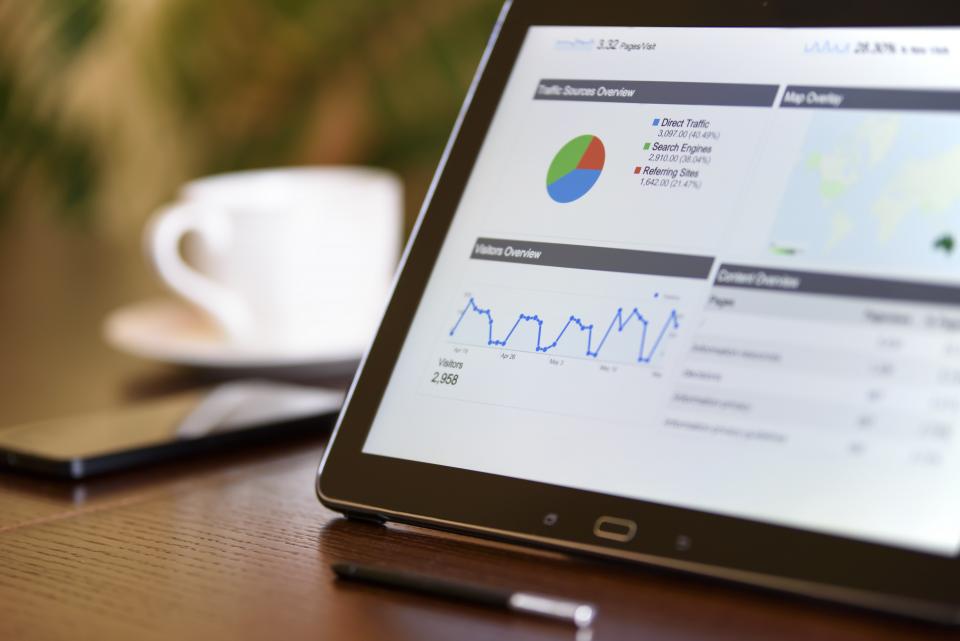
How do you set up conversion tracking step by step?
- List your conversions — decide which actions you’ll track.
- Install your tags — GA4, the Google Ads tag, and the Meta Pixel via Google Tag Manager.
- Create events — fire an event when each action happens (e.g. form submit).
- Mark events as conversions in GA4 and import them into Google Ads.
- Test everything — use preview and debug modes to confirm each fires once.
- Connect your accounts — link GA4, Google Ads, and Search Console.
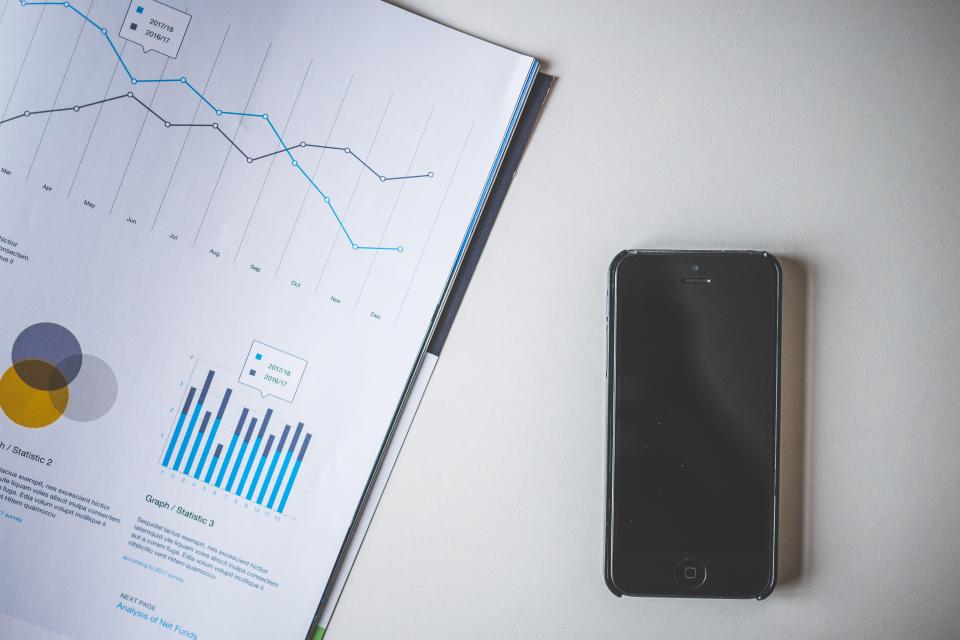
Common conversion tracking mistakes
- Double-counting conversions because the tag fires twice.
- Tracking page views instead of the actual action.
- Forgetting to track WhatsApp and phone clicks — often your top conversions in Egypt.
- Never testing, so broken tracking goes unnoticed for months.
- Not importing conversions into Google Ads, so the algorithm can’t optimize.
Conversion tracking is the foundation of measurement. Build on it with Google Analytics 4 for beginners and learn which numbers to watch in marketing KPIs that actually matter. It’s essential before scaling Google Ads.
Frequently asked questions
Do I need Google Tag Manager for conversion tracking?
Not strictly, but it’s strongly recommended. Tag Manager lets you add and manage all your tracking tags in one place without editing site code each time, which saves time and reduces errors.
Can I track WhatsApp clicks as conversions?
Yes. Add a click event to your WhatsApp button and mark it as a conversion in GA4. In Egypt this is often the most valuable conversion to track, since so many sales happen in chat.
How do I know if my tracking is working?
Use GA4’s DebugView and Tag Manager’s preview mode to watch events fire in real time as you test the action yourself. Then confirm the conversion appears in your reports within a day or two.
Want your tracking set up correctly the first time? Talk to the Aelaany team.
More in: Analytics & Measurement